Custom A2 Restaurant development for dine-in, takeaway and online orders, with preparation, handover and ingredient workflows shaped around your kitchen.
Workflow · 01The customer orders from the menu, at a table or online.
Workflow · 02Price, capacity and order conditions are checked before confirmation.
Workflow · 03Items reach their kitchen stations and preparation status is recorded.
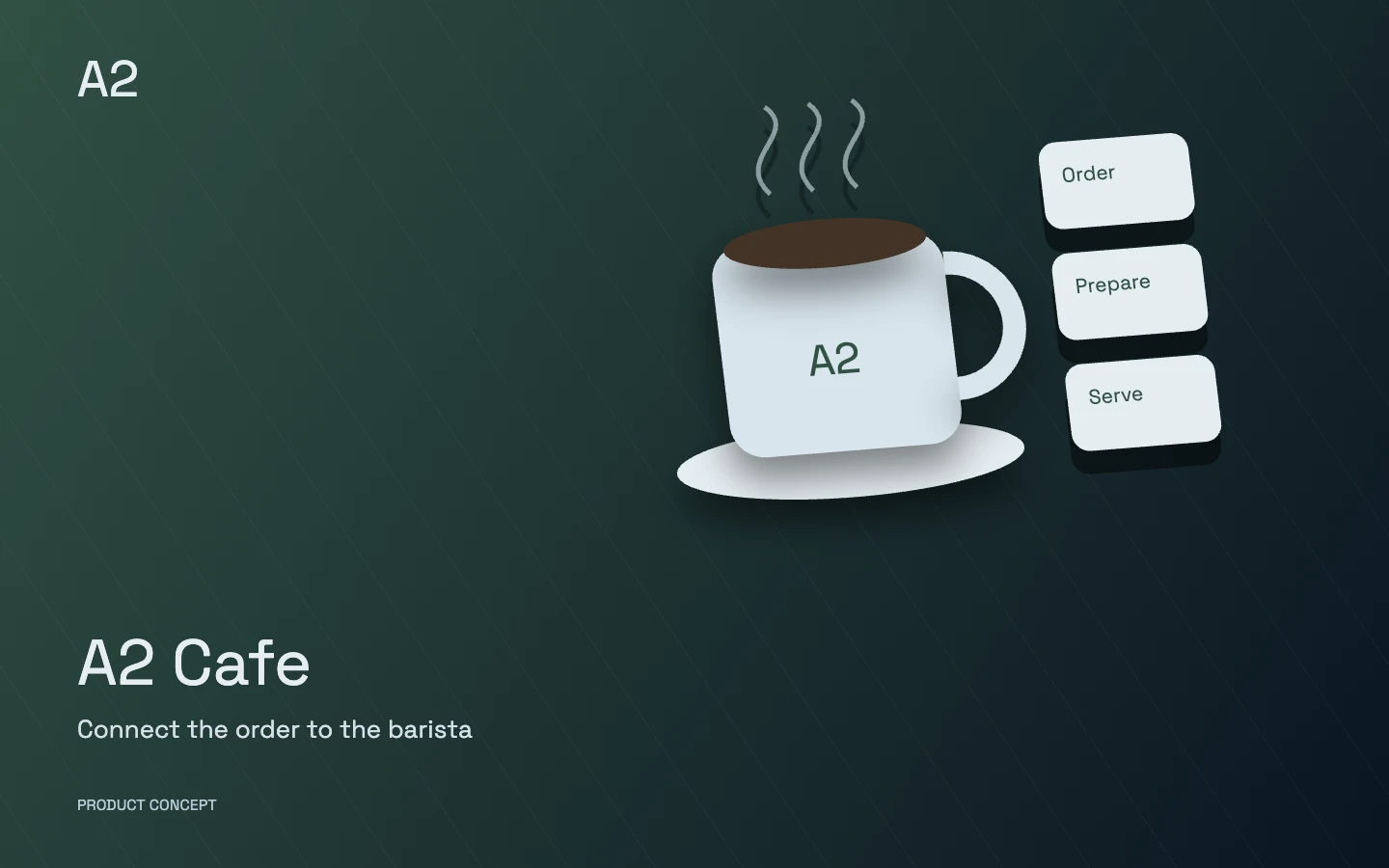
A conceptual product illustration, not customer data or a live application screen.
Who is it designed for?
Restaurants offering dine-in, takeaway, delivery or multiple locations.
Each product’s modules and integrations are selected around your business and introduced in stages. Scope, roles and acceptance criteria are defined before delivery.
Explore the product in detail
Choose a capability to explore its scope and the work it brings together.
A workspace for each role
Customer website or portal
Customers browse menus, place orders or reservations and track their orders.
Reception and host
Hosts manage reservations, dining-room capacity, waitlists and arrivals.
Service staff and till
Staff manage table orders, authorised changes, bills and payments.
Kitchen display
Each station sees its own items, priorities and preparation states.
Packing and handover
Staff record packing checks, collection and courier handover.
Purchasing and stock
Assigned staff manage ingredients, goods receipts, stock and consumption.
Management and finance
Managers review service and sales while finance checks receipts and discrepancies.
Modules and capabilities
Open a section to explore its scope.
Digital menu and restaurant website+
Menus use the restaurant’s own product information and service availability.
Menu categories, images, descriptions, prices and serving times
Add-ons, ingredient exclusions and allowed order combinations
Ingredient and allergen information supplied and approved by the restaurant
Table reservations and floor management+
Reservations and arrivals reflect table capacity and service times.
Table plans, party sizes and bookable time windows
Waitlists, booking confirmations and guest arrival records
Optional deposits and defined cancellation or event rules
Dine-in, takeaway and online orders+
Each order has a clear identity and state from placement to handover.
Orders through the website, table QR, service staff or till
Scheduled orders, intake capacity and configurable preparation estimates
Item changes or cancellations with reasons and role permissions
Kitchen and station coordination+
Orders are routed to preparation stations and their status returns to the service team.
Kitchen displays or ticket printing for assigned stations
Course separation and items requiring a defined service sequence
Started, ready, delayed and order-review states
Packing and delivery+
Handover includes item checks and the restaurant’s delivery area.
Packing checklists and accompanying items
Delivery areas and charges based on the business’s approved rules
Courier assignment or integration with the selected service and delivery records
Billing and till control+
Bills connect the recorded order to its payment method.
Split or combined bills and agreed payment methods
Discounts, service charges and taxes using business-approved settings
Shift closing, payment reconciliation and correction or refund records
Ingredients and purchasing+
Ingredient stock and purchasing follow kitchen demand.
Suppliers, purchase orders, goods receipts and returns
Units, conversions, batches and expiry records where needed
Stock counts, branch transfers and low-stock alerts
Recipes and consumption control+
Expected and recorded consumption connect to recipes and restaurant operations.
Ingredients and quantities for dishes or prepared components
Cost calculations based on recorded ingredient prices and recipe definitions
Waste, internal consumption and stock-variance review
Customer relationships and marketing+
Acquisition channels and order history inform customer follow-up.
Customer records, order history and contact preferences
Loyalty, relevant offers and reactivation campaigns with defined rules
Campaign pages, order-source recording and channel outcome reports
Teams, branches and management reports+
Managers have a consistent view of orders, service and receipts.
Shifts and permissions for prices, cancellations, discounts and corrections
Sales, peak periods and preparation-station capacity reports
Branch comparisons, data exports and records of sensitive changes
The product design connects dining-room, takeaway and website orders with preparation and handover. Priorities, timing and order states are defined with the restaurant team.
Can we keep our current POS and equipment?
We review the POS software, printer connections and available data interfaces first. Retaining or connecting equipment depends on its technical capabilities and the agreed scope.
How is ingredient stock control designed?
Ingredients, units, purchases, waste and recipes are defined first. The link between sales, ingredient consumption and stock adjustments must be tested against the kitchen’s actual workflow.
Start with your operation
What is the mix of dine-in, takeaway and online orders?
How many kitchen stations operate, and which items must be ready together?
How structured are recipes, ingredient units and current stock records?
Which tills, printers, accounting systems or delivery services must be retained?
Choose capabilities for our conversation
These choices describe your initial priorities. The final scope is defined together.
 A2 Cafe Follow the link, or keep scrolling on desktop.