A2 products / A2 Web A2 Web
Website and application design around the user’s task A2 Web designs and develops websites, storefronts, web apps and custom portals, from page structure and copy to connections with business operations.
A2 Discovery and information architecture
A2 Experience and interface design
A2 Web and application development
A2 Web A product story, driven by your scroll Pause motion
Workflow · 01 Clarify the product’s audience, goals and scope.
Workflow · 02 Design structure and interface using real content.
Workflow · 03 Check implementation and integrations in stages.
A conceptual product illustration, not customer data or a live application screen.
Who it serves Explore Capabilities Workflow Delivery experience Questions Who is it designed for? Businesses needing a website, storefront, web application or dedicated customer and staff workspace.
Explore the product in detail Choose a capability to explore its scope and the work it brings together.
Choose a capability Discovery and information architecture Operational integration Delivery and maintenance
A2 Web
Discovery and information architecture Build page structure around user needs and business goals.
Full module details ↗ A conceptual capability view; the final interface is defined during design.
A2 Web
Operational integration Connect user actions to the next system and responsible team.
Full module details ↗ A2
• Connect CRM, orders, bookings or enrolment
• Authorisation and validation before side effects
A conceptual capability view; the final interface is defined during design.
A2 Web
Delivery and maintenance Deliver verified behaviour with a path for continued development.
Full module details ↗ A2
• Test key journeys, failures and mobile presentation
• Management guidance, versioning and agreed maintenance
A conceptual capability view; the final interface is defined during design.
A workspace for each role Website or app user Completes purchases, enrolment, booking or service tasks.
Content and operations team Manages authorised content and operational journeys.
Business owner Defines priorities, scope and required measures.
Modules and capabilities Open a section to explore its scope.
Discovery and information architecture+ Build page structure around user needs and business goals.
Page maps, roles and primary journeys Define required content and the primary action per page Include in project brief Experience and interface design+ Review the interface with real content at relevant sizes.
Mobile, desktop and agreed language design Check readability, focus and interactive states Include in project brief Web and application development+ Choose the implementation around the product and existing tools.
Content sites, commerce or custom workspaces within agreed scope Web or device applications matched to access needs Include in project brief Operational integration+ Connect user actions to the next system and responsible team.
Connect CRM, orders, bookings or enrolment Authorisation and validation before side effects Include in project brief Content and discoverability+ Prepare content and structure so pages can be understood.
Titles, descriptions, internal links and relevant structured data Check crawlability and important content journeys Include in project brief Delivery and maintenance+ Deliver verified behaviour with a path for continued development.
Test key journeys, failures and mobile presentation Management guidance, versioning and agreed maintenance Include in project brief In the daily workflow Clarify the product’s audience, goals and scope. Design structure and interface using real content. Check implementation and integrations in stages. Deliver after reviewing critical journeys. Connect with your tools Existing commerce, CRM and business tools Agreed content-management and external services Analytics and reporting with appropriate privacy settings What delivery includes A page and user-journey map with required content and a defined action for each page Interface design for agreed devices and languages, with readability and interaction-state review Development of the selected website, storefront or application and reviewed order, booking or customer-system connections Key-journey and error checks, management guidance and access handover with defined maintenance ownership Delivery scope and related experience A custom design and development family. Platform, integrations, capabilities and acceptance criteria are defined per project.
Explore A2 delivery experience ↗ Questions before you start Do you improve existing sites or build from scratch? We review the current structure, content, constraints and working features first. Then we decide what to retain, what to improve and where rebuilding is worthwhile.
Can design and copy be included? Information architecture, user experience, interface design, page copy and development can form one coordinated scope. Languages, page counts, content requirements and ownership are agreed at the start.
What happens after handover? Documentation, access, training and maintenance responsibilities are set out in the proposal. Support, new content and subsequent development stages have their own defined scope and schedule.
Start with your operation Who is the main user, and what should they be able to do on the site or app? Which parts of the current website or tools should remain, and what needs to change? Which pages, languages and content are needed, and who will prepare each part? Which system and team member should receive forms, orders or requests? Choose capabilities for our conversation These choices describe your initial priorities. The final scope is defined together.
Discuss your website or application Continue exploring
A2 Growth ↗
Follow the link, or keep scrolling on desktop. 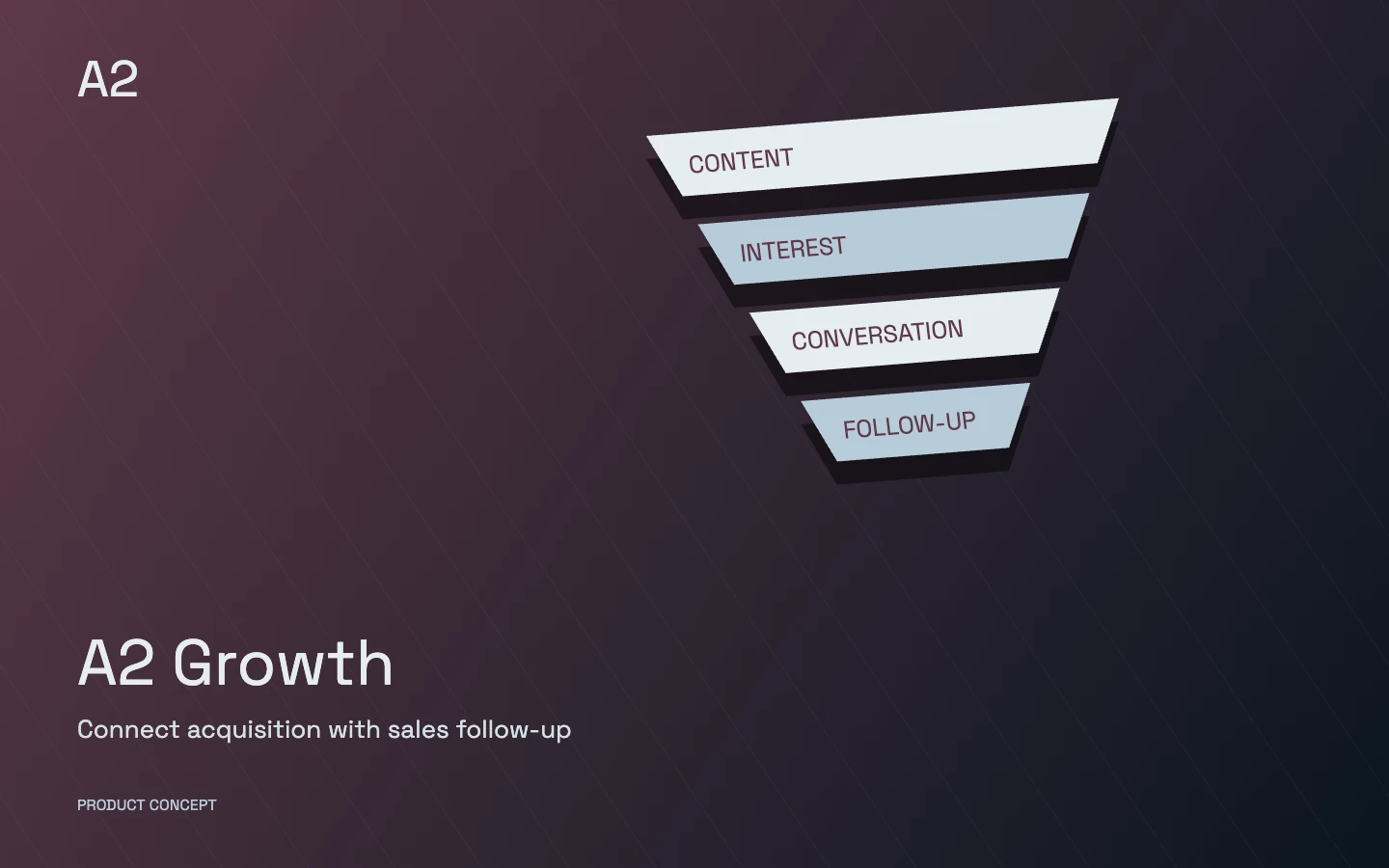 A2 Growth Follow the link, or keep scrolling on desktop.