A2 CRM brings customer records, sales stages and team follow-up into an agreed workflow, with opportunity ownership, interaction history and role-based reports.
Workflow · 01Define the customer model and relationship stages.
Workflow · 02Review data and role access.
Workflow · 03The team works with clear records, opportunities and tasks.
A conceptual product illustration, not customer data or a live application screen.
Who is it designed for?
Sales and service teams whose customer information and follow-ups are spread across tools.
Each product’s modules and integrations are selected around your business and introduced in stages. Scope, roles and acceptance criteria are defined before delivery.
Explore the product in detail
Choose a capability to explore its scope and the work it brings together.
A workspace for each role
Sales advisor
Owns customers, opportunities and next actions.
Sales manager
Reviews assignments, opportunities and team activity.
Service operator
Handles authorised customer interactions and service requests.
Business manager
Reviews management reporting within authorised scope.
Modules and capabilities
Open a section to explore its scope.
Customer records+
Keep related customer information in a reviewable record.
Contact details, notes and related orders or requests
Duplicate detection and data-quality rules
Leads and opportunities+
Give each opportunity a stage, owner and next action.
Stages suited to the industry and sales model
Record follow-up outcomes and status-change reasons
Tasks and follow-up+
Bring open work into the responsible person’s workspace.
Assignments, due dates and reminders
Views of pending work and items requiring attention
Customer interactions+
Connect authorised channels to customer history.
Calls, messages and notes within agreed integrations
Consent, response ownership and escalation rules
Role and branch access+
Limit data and actions to the person’s responsibility.
Separate advisor, manager and service roles
Test branch, ownership and reporting boundaries
Reporting and exports+
Turn recorded activity into useful management views.
Opportunity status, follow-up and team activity
Usable exports within access permissions
Data import and integration+
Review existing data before import or integration.
Field mapping and validation of files or API input
Connections to commerce, enrolment or service systems
Define the customer model and relationship stages.
Review data and role access.
The team works with clear records, opportunities and tasks.
Managers review follow-up and decisions needing attention.
Connect with your tools
Existing commerce, service or enrolment systems
Approved messaging and call tools
Data and report files with quality controls
What delivery includes
Sales stages, opportunity ownership and customer duplicate-matching rules
Customer records and a follow-up workspace with tasks, due dates and agreed interaction history
Role and branch permissions, management reports and approved source-system connections
Data review before import, access and follow-up checks, team training and staged handover
Delivery experience behind the product
A configurable customer-relationship family. Implemented capabilities in reference projects do not replace compatibility review and acceptance for a new deployment.
Javaherian operations
Javaherian customer operations and sales follow-up tools inform this product family.
Contact details, interactions, related orders or opportunities and the next action are brought together within the agreed scope and permissions. Data sources and duplicate-matching rules are defined first.
Can every employee access all customer information?
Access is designed around roles, responsibilities, branches and business rules. Managers also receive only the views and actions defined in the access model.
Can it replace our accounting software?
A2 CRM focuses on customer relationships and sales operations. Financial requirements are reviewed and relevant data can be exchanged through authorized interfaces. Replacing accounting software is a separate scope.
Start with your operation
Where do customers come from, and which stages lead to a sales outcome?
Who follows up with each customer, and how are tasks handed between people?
Which tools hold the current records, and how are duplicates identified?
Which records, actions and reports should each role or branch be able to access?
Choose capabilities for our conversation
These choices describe your initial priorities. The final scope is defined together.
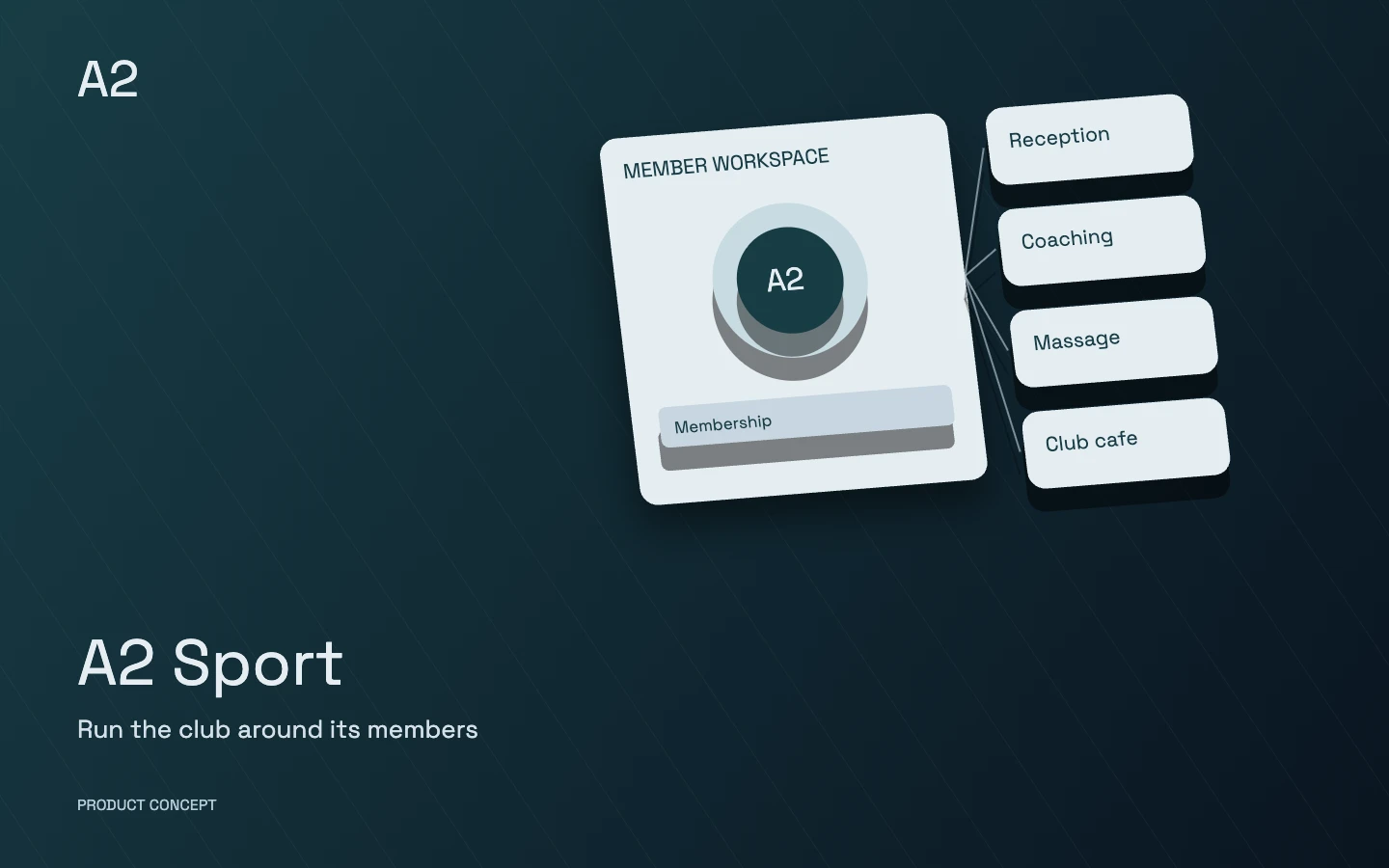 A2 Sport Follow the link, or keep scrolling on desktop.