A2 products / A2 Flow A2 Flow
Business workflow automation and data integration A2 Flow connects tools and automates recurring work, with defined data sources, destinations, stage ownership and error-handling paths.
A2 Process mapping
A2 System connectors
A2 Traceable execution
A2 Flow A product story, driven by your scroll Pause motion
Workflow · 01 Map the workflow and existing tools.
Workflow · 02 Check connections and mapping in the appropriate environment.
Workflow · 03 Test failures, retries and approval paths.
A conceptual product illustration, not customer data or a live application screen.
Who it serves Explore Capabilities Workflow Delivery experience Questions Who is it designed for? Businesses moving information and recurring tasks across multiple software tools.
Explore the product in detail Choose a capability to explore its scope and the work it brings together.
Choose a capability Process mapping Retries and recovery Operational review
A conceptual capability view; the final interface is defined during design.
A2 Flow
Retries and recovery Design critical workflows for failure and repeated execution.
Full module details ↗ A conceptual capability view; the final interface is defined during design.
A2 Flow
Operational review Make workflow health visible through the team’s existing tools.
Full module details ↗ A conceptual capability view; the final interface is defined during design.
A workspace for each role Operations owner Owns process steps and decisions.
Technical team Reviews connections, failures and data exchange rules.
Manager Sees authorised workflow progress and outcomes.
Modules and capabilities Open a section to explore its scope.
Process mapping+ Identify sources, destinations and owners before automation.
Define triggers and continuation conditions Identify steps requiring human approval Include in project brief System connectors+ Move data between tools through authorised connections.
API, webhook or file connections based on tool capabilities Field mapping and input validation Include in project brief Traceable execution+ Keep execution status and stop reasons reviewable.
Run identifiers and actionable failure reports Separate data failures from connection failures Include in project brief Retries and recovery+ Design critical workflows for failure and repeated execution.
Retry and duplicate-effect controls under integration contracts Recovery or escalation to an operations owner Include in project brief Access and data+ Limit each connection to the data and authority it needs.
Separate staging and operational environments Protect connection credentials and limit logged data Include in project brief Operational review+ Make workflow health visible through the team’s existing tools.
Report completed, stopped and review-required runs Handover notes and failure ownership Include in project brief In the daily workflow Map the workflow and existing tools. Check connections and mapping in the appropriate environment. Test failures, retries and approval paths. Deliver the workflow with clear ownership and guidance. Connect with your tools CRM, commerce, messaging and operational files n8n or custom execution based on workflow needs Existing reporting and notification tools What delivery includes A map of the selected process, its trigger, input data and human approval points Field mapping and authorised API, webhook or file connections supported by existing tools Invalid-data, connection-loss and duplicate-execution checks with an agreed recovery path Run-status reporting and an error-handling guide for the operations owner using existing tools Delivery scope and related experience An integration and automation family scoped per workflow. An existing connector does not establish compatibility with every tool.
Explore A2 delivery experience ↗ Questions before you start Which task should we automate first? A useful starting point has repetition, clear inputs and an accountable owner: lead transfer, follow-up reminders or reporting, for example. We document the rules and exceptions for that process first.
What if our current software has no API? We review its file exports, authorized access and data-exchange options. The connection uses what the software actually supports; some workflows may require a tool change or a manual step.
What happens if a workflow stops? Error handling, notification ownership and restart or retry behavior are defined during design. Financial actions and outgoing messages receive duplicate controls and approval points suited to their risk.
Start with your operation Which recurring task takes up team time, and what should trigger it? Where does the data start and end, and can those tools exchange it through an API or file? Who validates the information, and which actions require human approval? What should happen when data is incomplete, a connection fails or a task runs again? Choose capabilities for our conversation These choices describe your initial priorities. The final scope is defined together.
Choose your first automation workflow Continue exploring
A2 Web ↗
Follow the link, or keep scrolling on desktop. 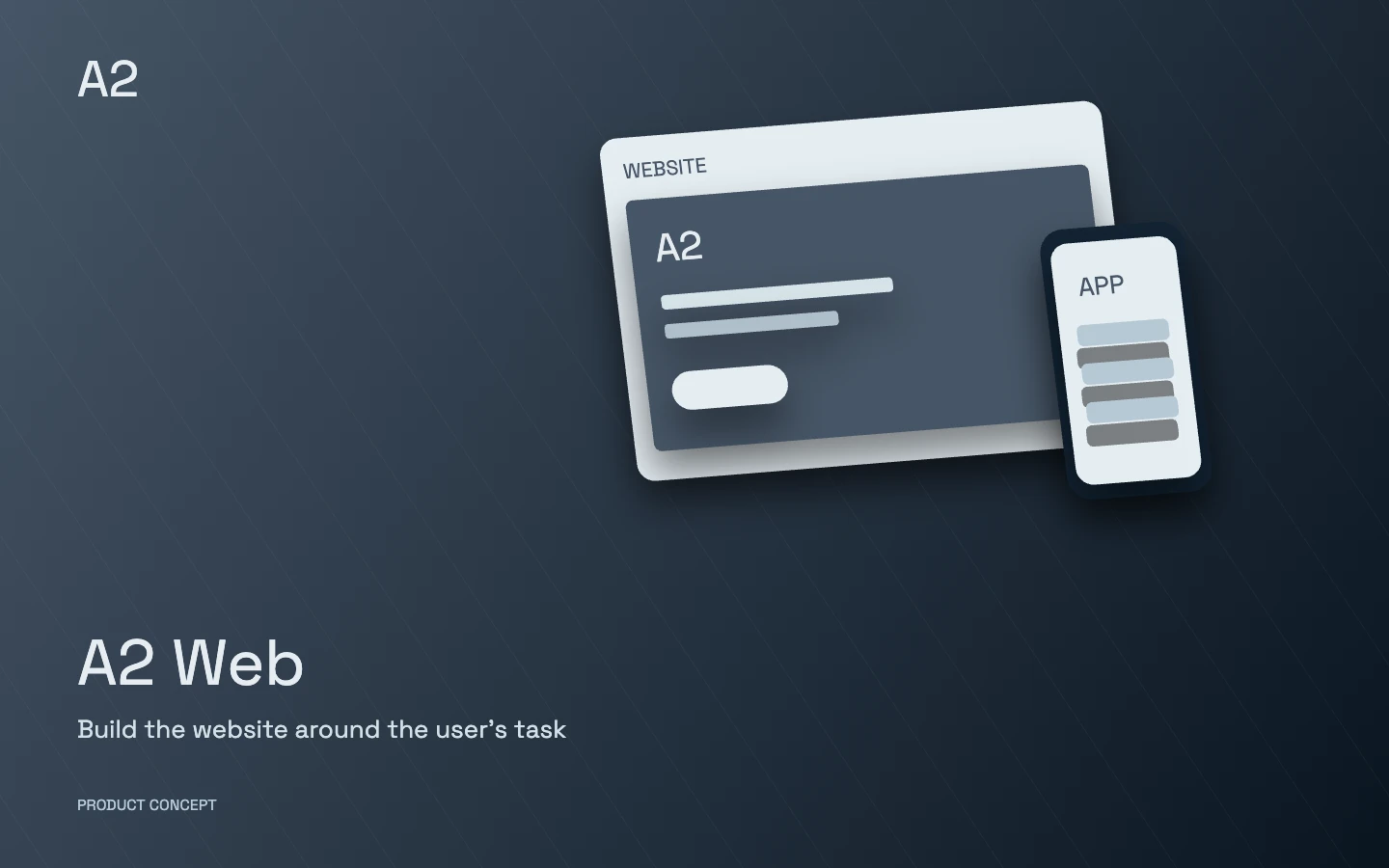 A2 Web Follow the link, or keep scrolling on desktop.