Workflow · 01Define the catalog and the retailer’s sales rules.
Workflow · 02The customer selects a watch and buys online or in a branch.
Workflow · 03Assign order handling, customer follow-up and delivery.
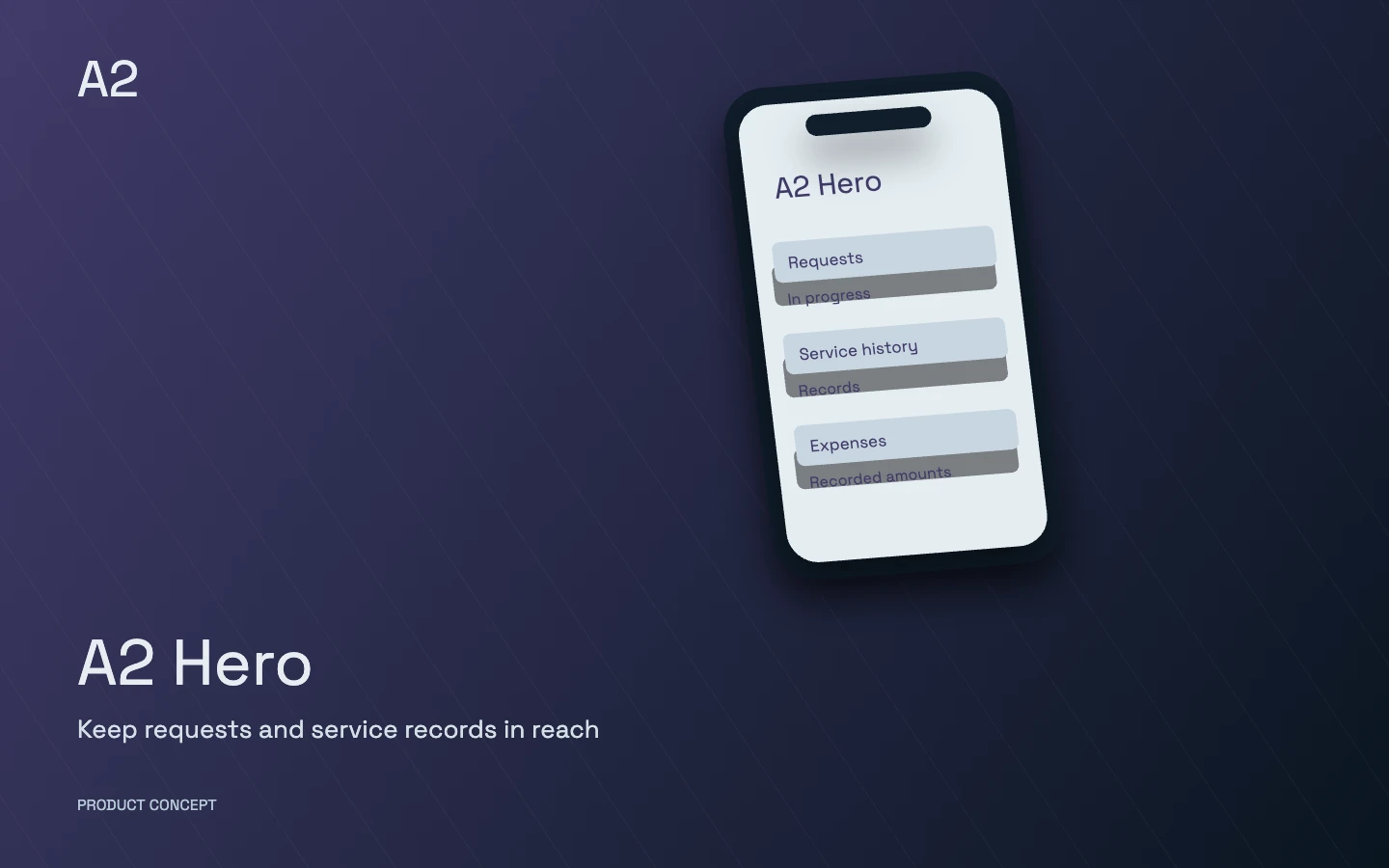
A conceptual product illustration, not customer data or a live application screen.
Who is it designed for?
For single-store and multi-branch watch retailers, online sellers and businesses offering repairs. Start with a storefront or add selected modules to existing workflows. Connections to current tools depend on a review of data and compatibility.
Each product’s modules and integrations are selected around your business and introduced in stages. Scope, roles and acceptance criteria are defined before delivery.
Explore the product in detail
Choose a capability to explore its scope and the work it brings together.
A workspace for each role
Customer
Discover watches and access purchases and service history.
Sales and reception
Counter sales, authorised customer information and follow-up.
Branch manager
Team activity, branch information and showroom counts.
Repair specialist
Intake, service progress, estimates and handover.
Catalog and supply team
Product information, pricing and supplier inputs.
Marketing team
Content, customer communication and retention workflows.
Management and finance
Authorised reports, balances and operational records.
Modules and capabilities
Open a section to explore its scope.
Watch storefront+
Organise shopping around watch brands, models and specifications.
Product, category and brand pages with catalog-derived filters
Mobile navigation, search and product pagination
Connect product discovery with cart and order tracking
Guided discovery+
Help shoppers move from their preferences to relevant watches.
Step-by-step discovery using purpose, budget and recorded attributes
Similar watches based on actual catalog specifications
Indicative sizing guidance using recorded dimensions
Catalog and content+
Make product information usable by content teams and connected tools.
Normalised specifications, brands and categories
Image preparation and product-content drafting workflows
Human review before publishing AI-assisted drafts
Pricing and supply+
Apply supplier information through controlled changes.
Validated price, stock and warranty file imports
Pricing based on an owner-entered reference rate
Review and reversible supplier-feed changes
In-store sales and branches+
Give staff and branch operations a defined workspace.
Counter orders and staff access controls
Branch showroom counts recorded separately from online stock
Manager views of customer history and branch activity
Customer records and follow-up+
Keep customer interactions and the team’s next action together.
Shared customer records, interaction history and assigned ownership
Operator inboxes, tasks and reminders
Reports and exports within authorised access
Customer account+
Give customers access to their own purchase and service information.
Order history, profile information and service records
Repair status and membership information
Wallet balances and records under the retailer’s policy
Loyalty and wallet+
Configure points and credit around the retailer’s commercial policy.
Membership tiers, points and earning or reversal rules
Traceable separation of cash, promotional and refund balances
Benefits and expiry rules approved by the business owner
Repairs and after-sales+
Track each watch from service intake to confirmed handover.
Intake, issue description, estimate and customer approval
Service progress and recorded payment information
Confirmed handover and retained service history
Orders and fulfilment+
Keep order changes and fulfilment preparation traceable.
Authorised order corrections with history and undo
Stock-location information for fulfilment preparation
Persian shipping dates and operational spreadsheet exports
Cart and checkout+
Align the purchase flow with sales rules and approved payment options.
Cart controls and payment-eligibility explanations
Gateway and purchase-rule checks before activation
Separate staging evaluation for a redesigned checkout
Retention and messaging+
Connect follow-up to the customer’s actual journey.
Abandoned-cart workflows and restock waiting lists
Order notifications and sales-team follow-up
Approved channels, consent and message templates
Catalog-connected sales assistance+
Ground assistance in product data and a clear human handoff.
Suggestions and answers using available catalog information
Guardrails for order, price and payment responses
Escalation to a sales specialist when a decision is needed
Management reporting+
Give managers operational views of sales and team activity.
Order and sales analysis, operator activity and customer history
Exports for management review
Keep operational reporting distinct from accounting and bank reconciliation
SEO and platform operations+
Align platform work with the retailer’s discovery and purchase journeys.
Structured data, brand hubs and content structure
Caching and performance work that preserves commerce behaviour
Check failures, integrations and critical journeys before release
Define the catalog and the retailer’s sales rules.
The customer selects a watch and buys online or in a branch.
Assign order handling, customer follow-up and delivery.
Continue loyalty, repairs and follow-up from the retained history.
Connect with your tools
Existing storefront and catalog after data-structure review
The retailer’s payment, messaging and delivery providers
Supplier files and feeds with validation and change control
What delivery includes
A map of shopping, counter-sales and service workflows, with staff roles and an agreed module scope
Configuration or development of agreed modules and reviewed connections to catalog, order and customer data
Checks of the purchase and service journeys in scope, team guidance and staged handover against agreed acceptance criteria
Delivery experience behind the product
Related delivery references support this family. Each module’s scope and compatibility with a new retailer must be established separately.
Javaherian
Javaherian is a reference for the delivery experience behind A2 Watch: specialist watch commerce, sales, customer relationships and after-sales workflows. Each retailer selects its own scope.
We first review the website, catalog, orders and tools you already use. We then identify which modules can connect and where development or data migration is needed. Scope and acceptance criteria are agreed before work begins; compatibility must be assessed for each site.
How do in-store and online sales connect?
Customer and sales records are linked through authorized sources. Branch display counts, warehouse stock and online sellable stock are distinct; their connection and update rules are defined separately.
Can repairs and customer loyalty be included?
Repair intake, estimates, customer approval, service tracking and handover can be included. Loyalty points, credit and benefits are designed around the retailer’s policies with reviewable transaction history.
Start with your operation
Do you already have a storefront, and where do you manage your catalog and orders?
Is the priority online sales, customer follow-up, branch operations or repairs?
Who will use the system, and which information needs to move between your tools?
Choose capabilities for our conversation
These choices describe your initial priorities. The final scope is defined together.
 A2 Hero Follow the link, or keep scrolling on desktop.