App user
Follows selected requests and service records.
A2 Hero
Review request progress, service history and recorded expenses in the A2 Hero Android app, with service connections and device compatibility checked for your use case.
Workflow · 01Define the requests and access needed.
Workflow · 02The user sees selected work in the app.
Workflow · 03Review recorded service and expense history.
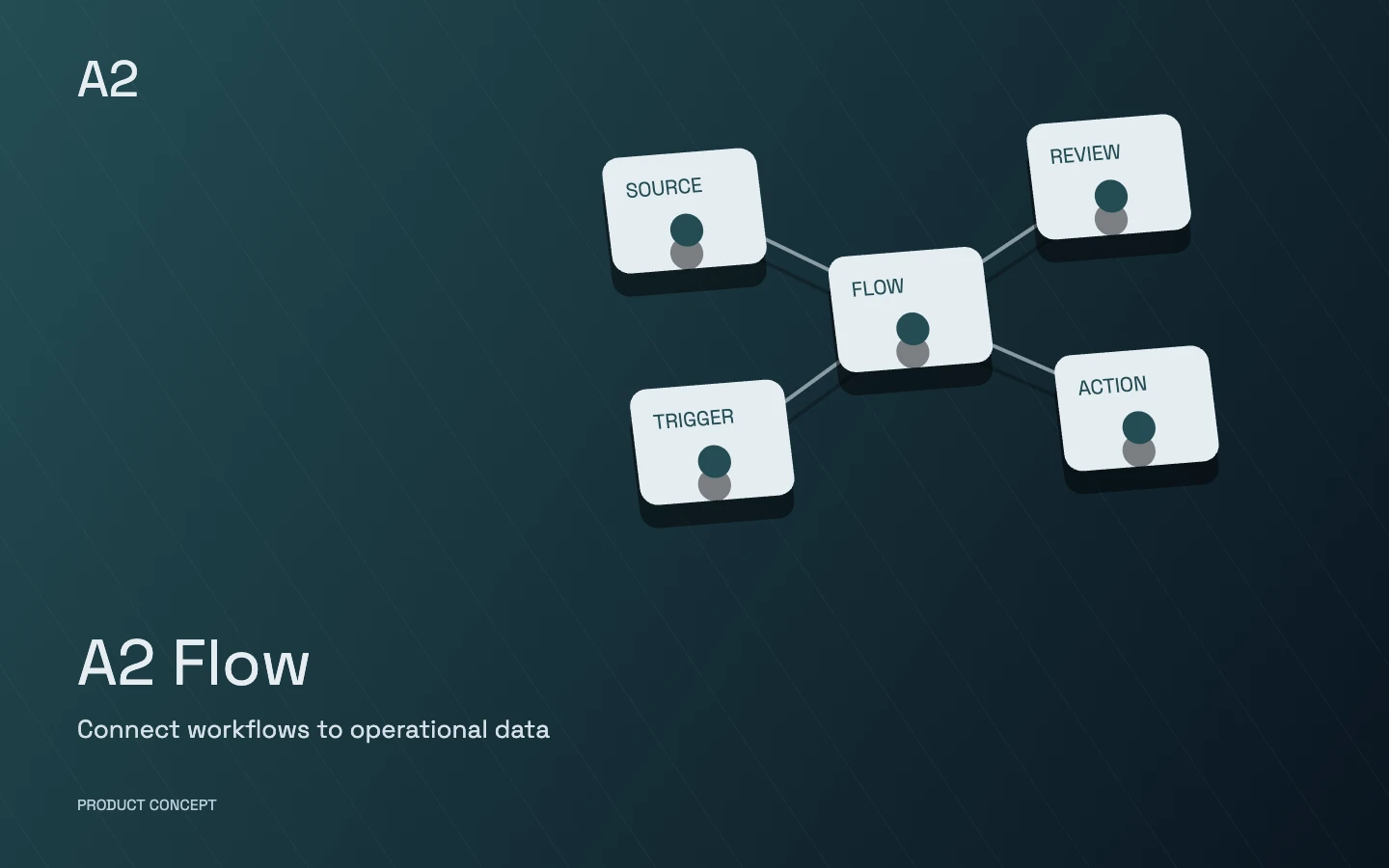
A conceptual product illustration, not customer data or a live application screen.
Users who need Android access to request progress, service history and expense records.
Each product’s modules and integrations are selected around your business and introduced in stages. Scope, roles and acceptance criteria are defined before delivery.
Choose a capability to explore its scope and the work it brings together.
Follows selected requests and service records.
Reviews progress and authorised service information.
Open a section to explore its scope.
Show selected requests with understandable status.
Keep service information in a reviewable history.
Keep a missing amount distinct from a recorded zero.
Help users choose the next action after a failure.
The Android implementation and preview-version checks are documented publicly. Service compatibility and operational use must be checked against the scope of the relevant version.
Android implementation and verification of version 1.5.57-preview are documented in public notes.
Explore the reference and documentation ↗It tracks selected requests, work status, and service and expense history. The request type and connected service should match the supported scope of the relevant version.
Missing financial information remains distinct from a recorded zero amount. Users can review the request state and failure explanation before deciding the next action.
Support should be checked against the relevant release notes, target service and Android device. A new connection or usage environment requires a compatibility review.
These choices describe your initial priorities. The final scope is defined together.
Continue exploring
 A2 Flow Follow the link, or keep scrolling on desktop.