Admissions, advising, enrolment and tuition follow-up with A2 Education. Connecting an online teaching environment is assessed as a separate project scope.
Workflow · 01A prospective learner finds a course and requests advice.
Workflow · 02Admissions staff establish placement, requirements and the suitable course.
Workflow · 03Enrolment and payment activate the agreed learning access.
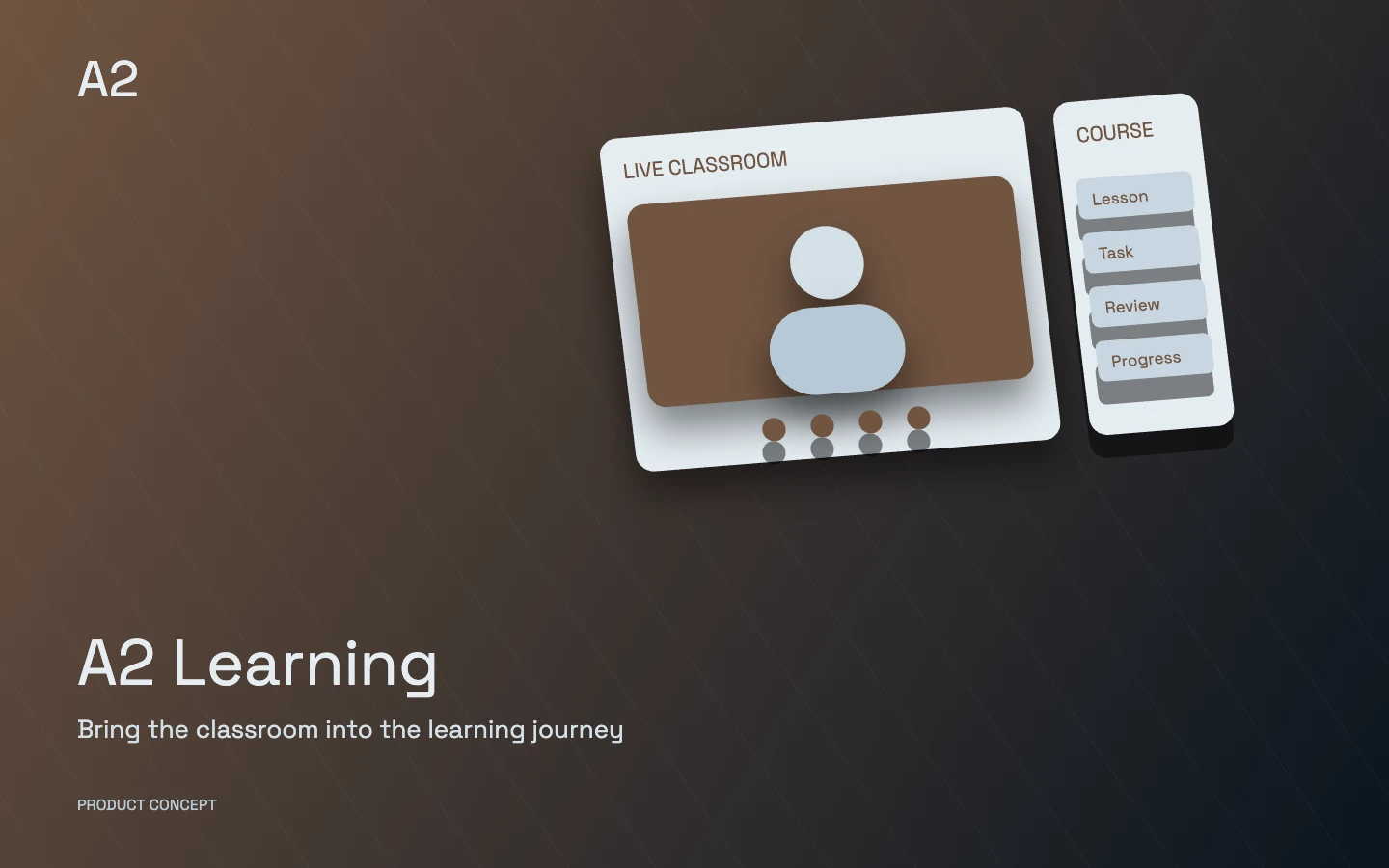
A conceptual product illustration, not customer data or a live application screen.
Who is it designed for?
Education providers and course sales teams working with individual and organizational customers.
Each product’s modules and integrations are selected around your business and introduced in stages. Scope, roles and acceptance criteria are defined before delivery.
Explore the product in detail
Choose a capability to explore its scope and the work it brings together.
A workspace for each role
Learner portal
Learners access schedules, lessons, assignments, feedback, fees and progress in one portal.
Instructor workspace
Instructors manage course content, sessions, attendance, assignments and learner assessment.
Admissions and learning advisers
Staff manage enquiries, placement, enrolment and follow-up with clear ownership and stages.
Academic management
Academic managers oversee courses, capacity, instructor schedules and learning progress.
Parent or organisation portal
Where required, authorised parents or organisation representatives see agreed attendance, payment and progress information.
Content author and reviewer
Authorised contributors create, review and publish learning materials.
Management and finance
Assigned staff review tuition, instructor agreements, receipts and branch or course reports.
Modules and capabilities
Open a section to explore its scope.
Course discovery and enquiries+
Courses are presented with clear outcomes, levels, prerequisites and delivery formats.
Dedicated course pages with schedules, instructors and publishable curriculum
Advice requests and lead-source recording for campaign follow-up
An enquiry pipeline from first contact to enrolment decision
Admissions, placement and enrolment+
Admission requirements and enrolment steps follow the institute’s structure.
Learner records, documents and authorised parent or organisation links
Placement appointments, recorded results and authorised course recommendations
Enrolment, class transfers, withdrawals and waitlists according to institute policy
Class scheduling and administration+
Course calendars coordinate instructors, teaching spaces and capacity.
Terms, cohorts, sessions, branches and in-person or blended classes
Instructor and room conflict checks with replacement-session records
Attendance, session reminders and schedule-change notifications
Online learning platform+
Learning materials and activities follow each course’s defined path.
Course, module and lesson structures supporting video, audio, text and files
Lesson prerequisites, release schedules and enrolment-based access
Resume learning, lesson bookmarks and progress based on agreed completion criteria
Live teaching and learning interaction+
Live sessions and learning discussions stay connected to the relevant course.
Integration with the chosen live-class service and authorised joining links
Questions, class discussions and instructor announcements
Recording publication where authorised, with defined access duration
Assignments, tests and assessment+
Assessment follows the course format and the institute’s teaching approach.
Question banks, timed tests and attempt rules
Assignment submission, deadlines, feedback and marking criteria
Automatic marking for suitable questions and instructor review for written responses
Instructor and content tools+
Course administration gives instructors a clear structure for their teaching work.
Teaching plans, learner lists and session notes
Content drafts, review and publication versions
Teaching hours and records used to calculate instructor compensation
Tuition and financial administration+
Enrolment, payment commitments and receipts can be reviewed together.
Course fees, instalments, authorised discounts and online or in-person receipts
Outstanding balances, payment reminders and correction or refund history
Financial reporting by course, instructor, branch and organisation agreement
Progress reports and certificates+
Learning reports use the course’s stated assessment and completion criteria.
Attendance, assignment, assessment and course-completion reports
Updates for learners and authorised representatives with defined access
Institute-issued completion certificates and an agreed verification page
Learner support and continued study+
Support requests and further-study suggestions use the learner’s actual record.
Support requests, assigned owners and response history
Follow-up for absences or inactivity using defined rules
Next-course updates, feedback surveys and relevant campaigns respecting contact preferences
Branches, access and data management+
Teaching responsibilities and record access are defined across the institute and its branches.
Role-based access to relevant courses, learner records and financial information
Data exports and migration from the existing system after reconciliation
Enrolment, capacity, learning-progress and campaign reports with defined metrics
A prospective learner finds a course and requests advice.
Admissions staff establish placement, requirements and the suitable course.
Enrolment and payment activate the agreed learning access.
The learner attends classes, studies materials and submits assignments.
The instructor assesses the work and records progress or completion.
Connect with your tools
Payments, SMS and email through the institute’s selected providers
Live-class and video-hosting services with defined access and costs
Accounting, existing websites and required learning formats after compatibility review
What delivery includes
Course information, enquiry and enrolment journeys aligned with the institute’s admissions process
Applicant and learner records, follow-up ownership and access for agreed roles
Agreed class, tuition and management-reporting workflows; learning-environment integration after separate review
Approved data review and migration, staff training and staged acceptance before using real records
Delivery experience behind the product
Core workflows are implemented in staging. Real-data import and final acceptance require a separate review for each provider.
01
The 01 institute is a development reference for admissions and education sales. The reviewed version is in staging; final acceptance is a separate step.
A2 Education focuses on admissions, follow-up, sales and administration. A2 Learning provides the teaching and learner interaction workspace. Their integration is scoped explicitly, including ownership of shared records.
Can we import our existing applicant records?
We review file structure, duplicates and follow-up ownership first. Import is staged with previews, confirmation and error review. Using real records requires a separate acceptance step.
How are instalments and payments represented?
Instalment plans, recorded amounts and internal receipts can form part of the account. A recorded receipt is not bank-confirmed collection; bank connectivity and reconciliation need their own scope.
Start with your operation
Where do enquiries come from, and who follows up on advising and enrolment?
What are the rules for tuition, instalments, contracts, transfers and withdrawals?
Which files or systems currently hold applicant and learner records?
Do you already have a classroom and content platform, or is its development also in scope?
Choose capabilities for our conversation
These choices describe your initial priorities. The final scope is defined together.
 A2 Learning Follow the link, or keep scrolling on desktop.